




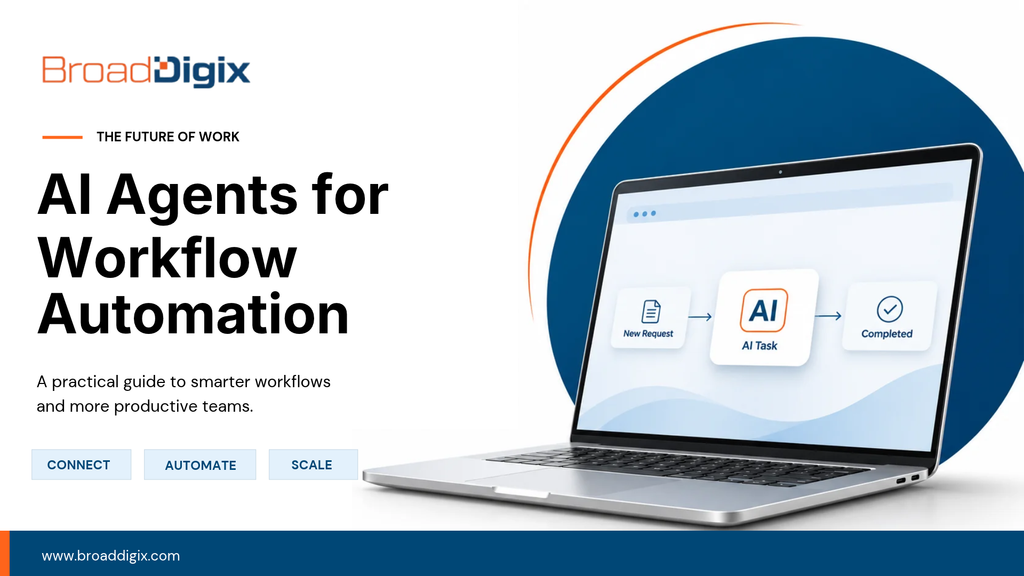
AI Agents for Workflow Automation: Cost, ROI & Budgeting Guide.
Understand the Business Value and ROI of AI Automation.
Just because something has a low price doesn’t mean it will be low cost. A project might seem affordable during kickoff, but unclear assumptions can make it expensive to support.
A good budget should explain the business problem, expected outcomes, and how the solution will perform over time. Before investing, consider what the current process costs your business.
Are you wasting time, losing orders, or spending too much on customer support? Understanding these challenges helps identify where AI automation can deliver real value.
Instead of relying on unrealistic ROI percentages, focus on measurable improvements. In AI agents for workflow automation, linking benefits to business outcomes creates a stronger investment case.
Automation may seem affordable initially, but recurring expenses can increase due to frequent exceptions, maintenance, and manual intervention.
Start by measuring your current process. How much time does it consume? What are the operational costs? What improvements could automation realistically deliver?
A successful AI automation investment should reduce unnecessary work, improve efficiency, and provide measurable long-term business value.
AI Agent Development Costs: One-Time vs. Recurring Expenses.
A good example of this is that staff want to know why their request has been escalated. This shows you have decisions to make. Consider what is a one-off cost and what is a recurring cost. The development costs are just part of the integration, model calls, monitoring and exception handling. Hosting, support, licensing and exception review can be an ongoing cost. Having a credible plan will show these commitments. In AI agents for workflow automation, having a clear understanding of what recurring costs will help with your business case.
It’s easy to overlook the recurring costs. Ensure you have clear lines for one-off, usage, support and requested changes. Email, CRM, ticketing, workflow engines and internal databases may cost more the more transactions/users there are. Who is monitoring these costs and can they be reduced without impacting the core experience? Consider subscriptions, staff oversight and vendor changes. In AI agents for workflow automation ensure that you’re considering the recurring costs.
Why Discovery and Planning Matter in AI Agent Costs.
Sometimes discovery feels like an extra cost but by building on incorrect assumptions it can cause issues. A simple prototype, interviews and mapping can show whether the real problem is identifying a trigger, verifying information and progressing the case. Sometimes research can save you money by reducing the size of your project. For example, updating the CRM was successful but there was an issue with the notification service downstream. This shows you have decisions to make. In AI agents for workflow automation, having a clear understanding of any planning costs will help with your business case.
Invest in early research to reduce rework. By researching you can avoid costly rework. Before investing in the whole of the agent which reads in work, gathers extra info and makes a structured decision, ensure that you’ve validated the tricky assumptions. Is there the right data? Will users want this flow? Is there any key 3rd party accesses? Ensure your discovery budget gives you tangible outputs. Don’t get stuck in endless meetings. It’s better to ask questions early to avoid expensive changes to your architecture. In AI agents for workflow automation ensure that you’re considering any planning costs.
How Custom Integrations Increase AI Agent Costs.
Sometimes complexity isn’t obvious. A bespoke workflow may need a bespoke integration, unique permissions and more support than expected. Before agreeing to any new bespoke features, consider if it can be done in a simpler way. Generally bespoke means more to maintain. In AI agents for workflow automation, having a clear understanding of any bespoke costs will help your business case.
A realistic example of this is having an issue with the trigger firing twice after a retry. This is a hypothetical scenario. Bespoke features mean there will be a second cost to test and maintain. Consider the value of having a bespoke feature vs a simple standard feature. Work with the process owners and automation teams to decide on any bespoke features. You’ll need to explain the cost to the business so work with them to review the bespoke features. In AI agents for workflow automation ensure that you’re considering any bespoke costs.
Measure ROI and Performance of AI Workflow Automation.
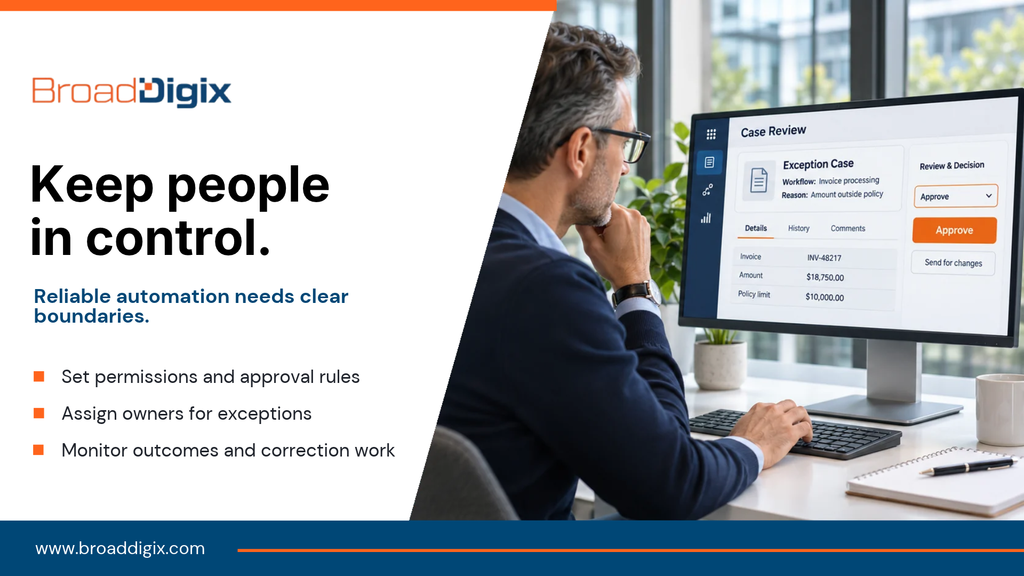
A workflow may automate gathering missing information but leave the final approval with the relevant manager. This shows you have decisions to make. Ensure your business case is linked to measurable metrics. Have you reduced the hours without increasing correction/exception work? Can you link this to the new process? Ensure you include quality and trust metrics to ensure that you aren’t just speeding things up but there’s more rework. In AI agents for workflow automation having a clear understanding of performance metrics will help. Businesses can use tools such as Microsoft’s Power Automate Automation Center to track automation savings, time saved, and efficiency improvements.
Ensure you balance growth metrics with reliability and satisfaction. Keep the metrics short and simple. Have a few metrics such as hours saved without increasing correction/exception work. Add in an exception metric to ensure you aren’t hiding quality issues. If you have to do a lot of manual clean-up to improve then this should go into your costs. Track metrics which relate to customer/employee outcomes. In AI agents for workflow automation ensure that you’re considering any performance metrics.
Plan Contingency Costs for AI Automation Projects.
Allow space for any unexpected costs but don’t think of this as a feature budget. There could be a new API, change in requirements or something discovered through user testing. Agree how any extra costs will be decided. Future orchestrators may integrate more tools but keep the deterministic controls for key rules. This shows you have decisions to make. In AI agents for workflow automation having a clear understanding of any contingency will help your business case.
Don’t waste your budget on features. Have a contingency to allow for any uncertainty. Agree how any changes will be suggested, reviewed and approved. When there are new requirements explain whether this is protecting a key outcome or is just a nice to have. This helps ensure any difficult decisions to spend are fair and transparent. Contingency is a management tool. In AI agents for workflow automation ensure that you’re considering any contingency.
How to Budget Wisely for AI Agents for Workflow Automation.
Sometimes wise investments aren’t exciting. Simplify a form, fix a broken handoff or stabilise an integration. A small improvement which is sustainable can be more valuable than a large release which won’t be maintained. Sometimes removing a step can be more valuable than adding a new feature. In AI agents for workflow automation having a clear understanding of any responsible investments will help.
An invoice comes into the finance inbox but there’s no purchase order to match. This shows you have decisions to make. The most valuable investment may not be the exciting one. It may be investing in reliable testing, clear documentation, user training or fixing an existing process. Don’t focus on how many features you can buy. Focus on the core outcome. Long term value comes from having a solution you can run without constantly saving. Invest in the components which will reduce the most recurring friction. A responsible investment isn’t one with the least costs. It’s one which everyone understands what the expected return, any recurring costs and limitations of the estimate.